
Laravel Deployment
Hire on UpworkGet your Laravel app live on your server with SSL and a checklist. Environment config, database migrations, SSL, queues, cron, and optional CI/CD setup.
Tags
Tech Stack
Gallery
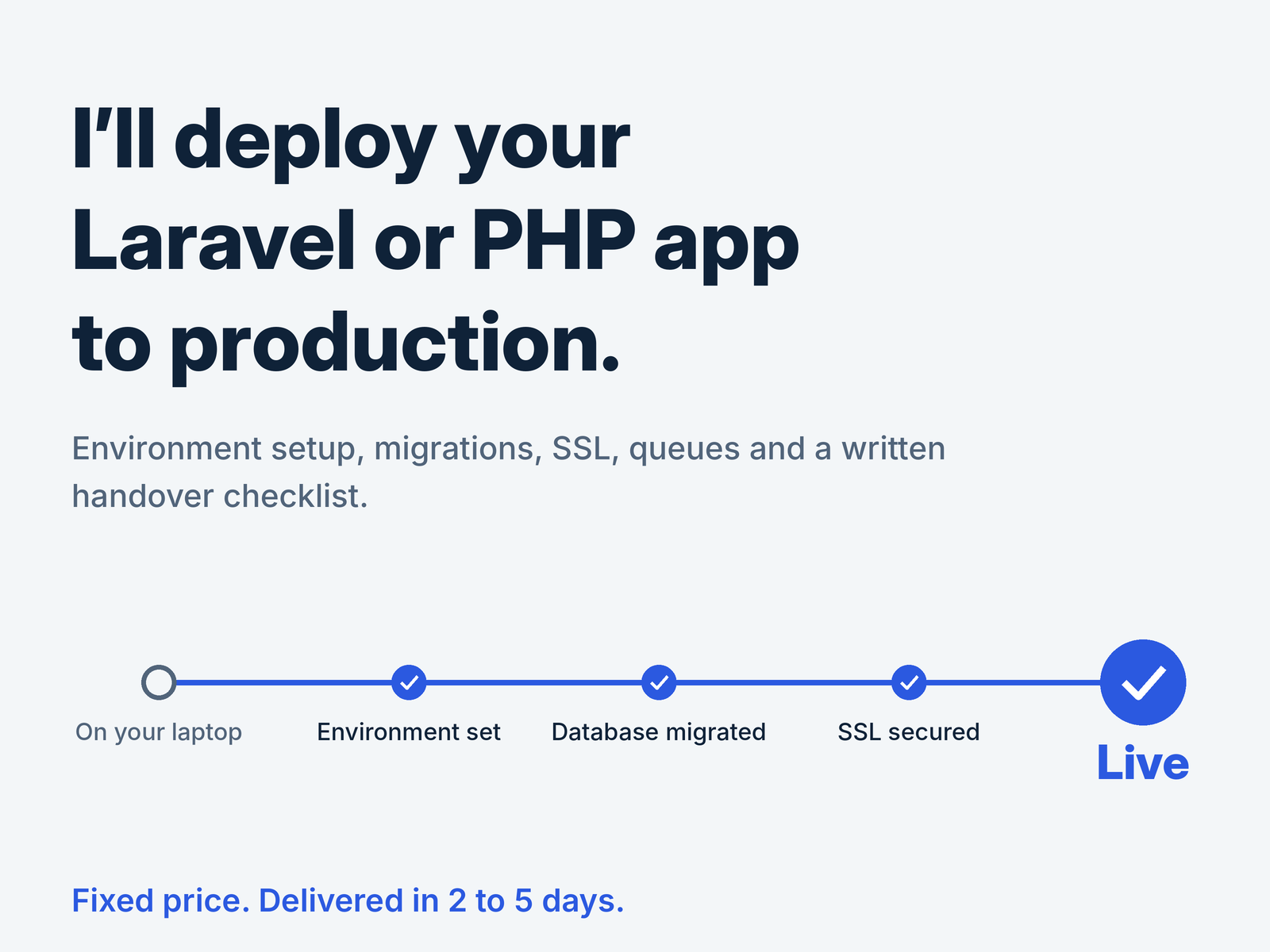
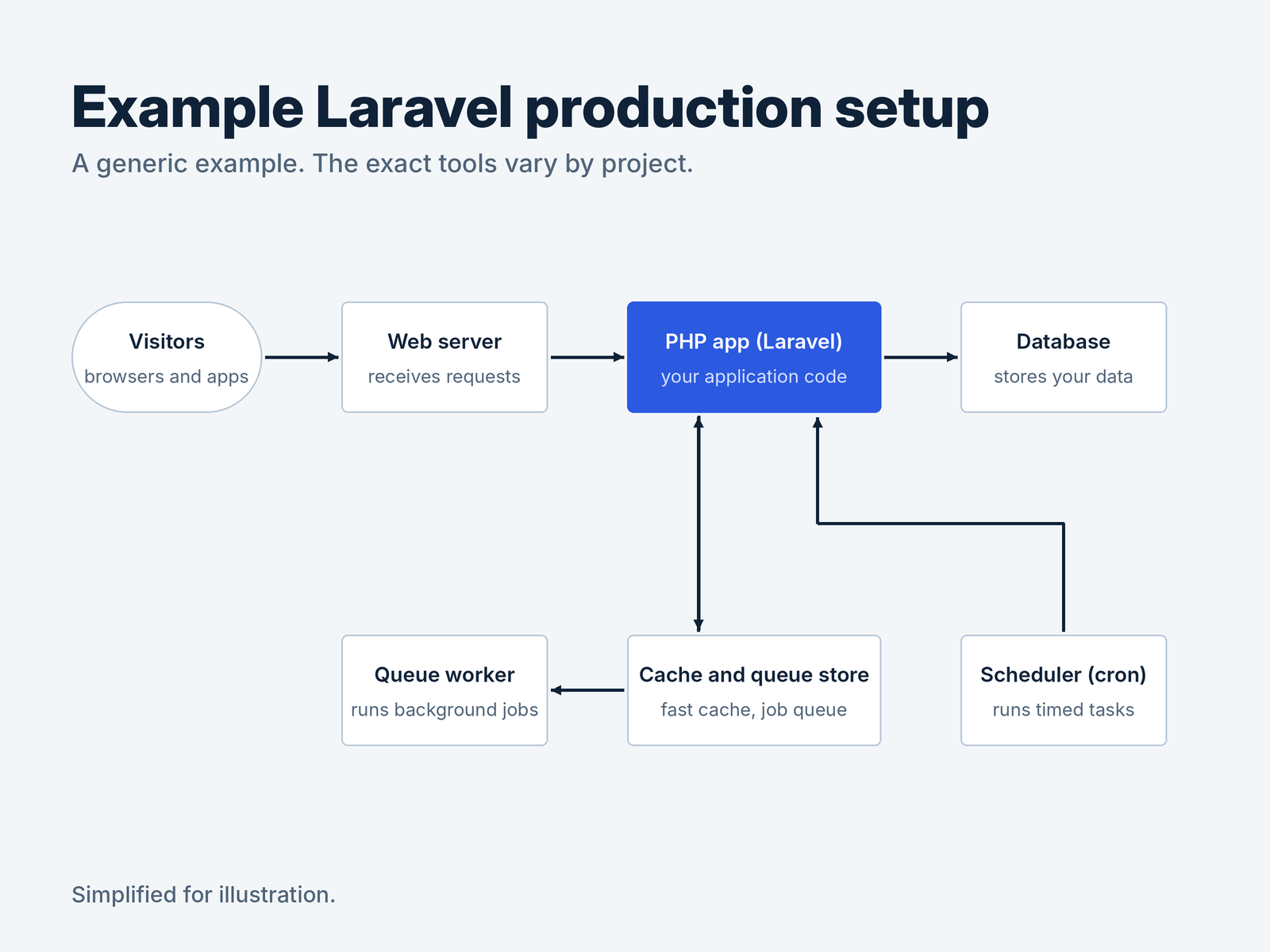
your Laravel app live on your server with SSL and a checklist
Got a Laravel or PHP app that works on your laptop but isn’t live yet? I’ll get it running on your server and show you how to repeat it.
I check your server and the app’s requirements first, then handle the setup step by step: environment config, database migrations, and a quick test once it’s live. You also get a short written checklist, so the next deploy doesn’t need me.
I’ve deployed PHP apps for clients on Upwork (rated 5.0) and set up CI/CD and server infrastructure for production products. I’ll tell you early if something is bigger than it looks.
Not included:
- Server or hosting fees, and third-party service costs
- DNS propagation delays, which are outside my control
- Fixing bugs in the application code
Packages
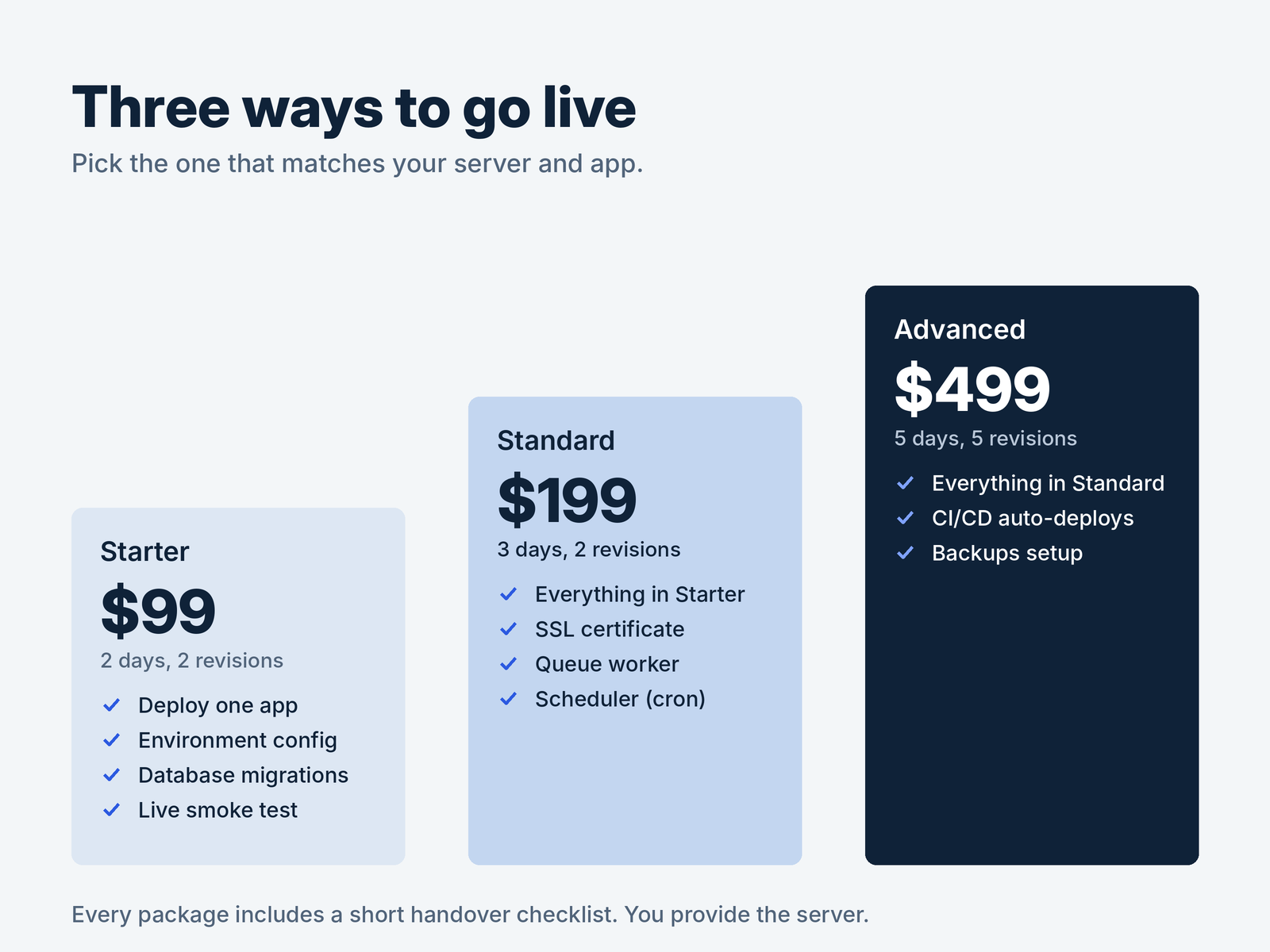
Starter — $99
Delivery: 2 days
Scope: Deploy one Laravel/PHP app, set env, run migrations, and do a live smoke test.
- ✅ Deploy one Laravel/PHP app
- ✅ Environment configuration
- ✅ Database migrations
- ✅ Live smoke test
- 🔄 2 revisions
Standard — $199
Delivery: 3 days
Scope: Starter plus SSL certificate, queue worker and scheduler (cron) setup.
- ✅ Everything in Starter
- ✅ SSL certificate setup
- ✅ Queue worker configuration
- ✅ Scheduler (cron) setup
- 🔄 2 revisions
Advanced — $499
Delivery: 5 days
Scope: Standard plus automated deploys (CI/CD) and backups, with a deploy checklist.
- ✅ Everything in Standard
- ✅ Automated deploys (CI/CD)
- ✅ Backup configuration
- ✅ Deploy checklist documentation
- 🔄 5 revisions
Client requirements (what I need before starting)
- Which server or hosting provider are you using, and which operating system? (For example: Ubuntu VPS, or shared hosting.)
- Which PHP and Laravel versions does your app use?
- Where is the code? Please share a Git repository link, or attach a zip of the project (attachment).
- What is your domain name, and do you have access to its DNS settings?
- Which database does the app use, such as MySQL or PostgreSQL?
- Does the app need queue workers, scheduled tasks or file uploads?
- Do you want a simple deploy, or automated deploys (CI/CD) for future updates?
Steps you’ll take to get the project done
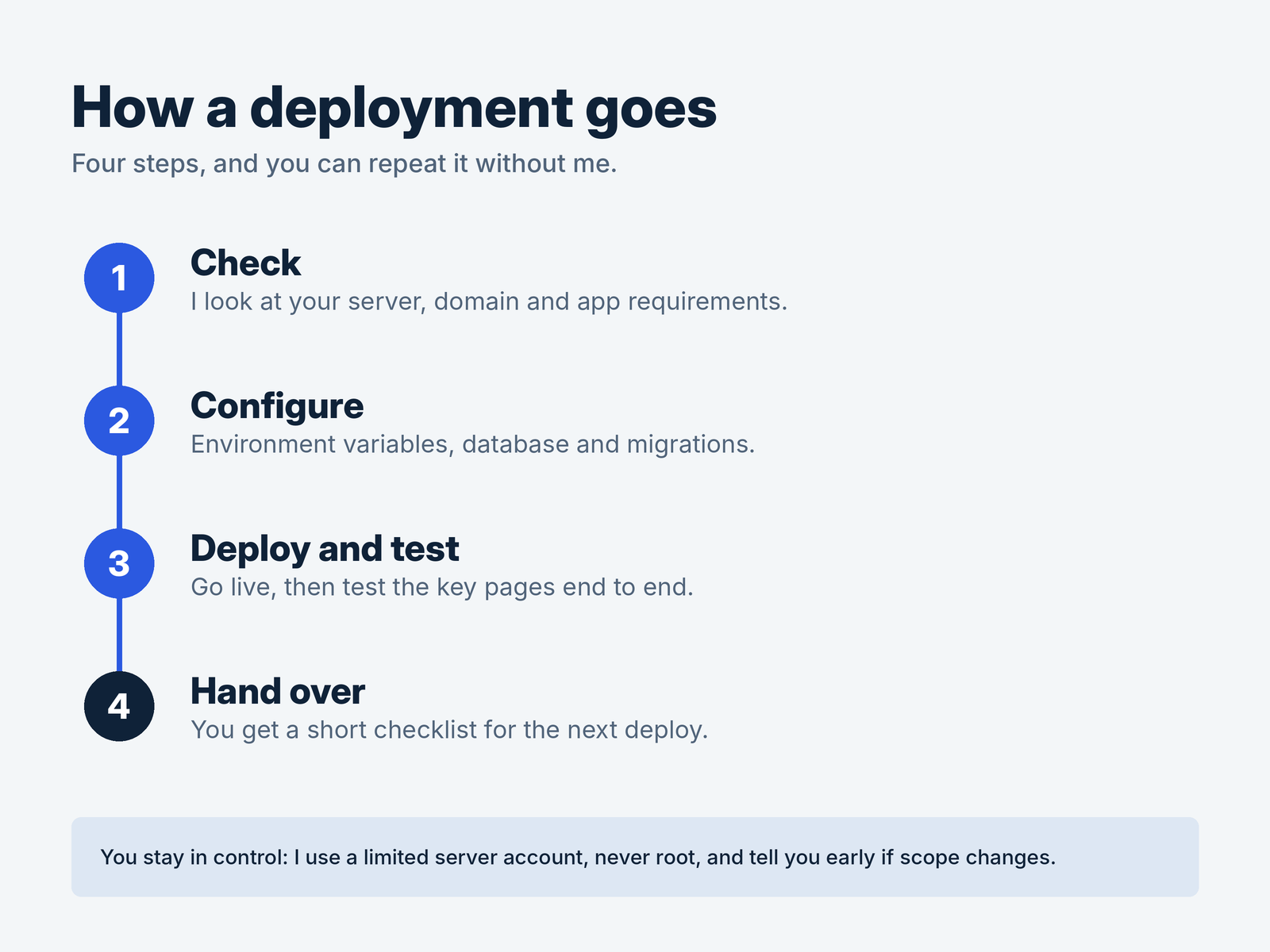
- Confirm the scope. I review your answers, check that the package fits your app and server, and confirm the price and timeline before I start.
- Check your setup. I look at your server, PHP and Laravel versions, domain and app requirements, and tell you early if I find anything risky.
- Configure the environment. I set up environment variables, the database and migrations. In the Standard and Advanced packages I also set up SSL, queue workers and the scheduler.
- Deploy and test. I take the app live and test the key pages and features. In the Advanced package I also set up automated deploys and backups.
- Hand over. You get a short written checklist for future deploys, and I answer questions about what I did within your revisions.
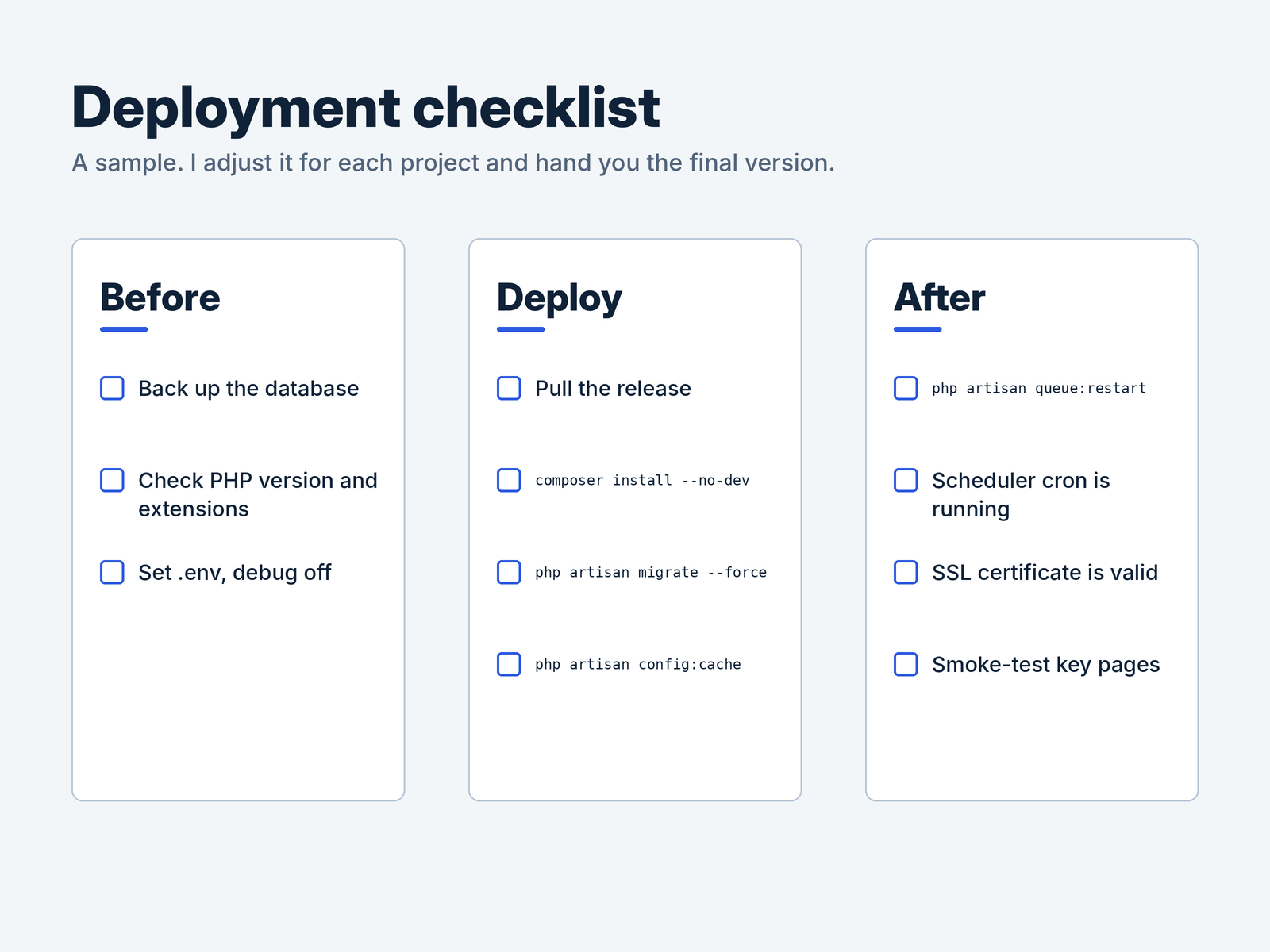
Service checklist
Before starting
- Confirm the scope fits the chosen package
- Get server access, domain and code repository
- Confirm PHP and Laravel versions
- Check for any special requirements (queues, cron, file uploads)
Deployment
- Set up environment variables and database
- Run migrations and seeders
- Configure web server (Nginx/Apache)
- Set up SSL certificate (Standard / Advanced)
- Configure queue workers and scheduler (Standard / Advanced)
- Set up CI/CD and backups (Advanced)
Testing and handover
- Test key pages and features live
- Verify database connectivity and migrations
- Test queue processing and scheduled tasks (if applicable)
- Deliver a short written deploy checklist
- Answer questions within revisions window
Interested in similar work?
Let's discuss your project on Upwork or contact me directly.